Calari Solutions - Intelligent Automation & AI for Business
Georgia, USA

Calari Solutions empowers businesses to scale and thrive through intelligent CRM automation, custom AI assistants, and high-converting sales funnels tailored to your unique goals.
What Is Workflow Automation? A Practical Guide for Businesses
Businesses spend a significant amount of time on repetitive tasks such as sending emails, updating customer records, assigning leads, preparing reports, and following up with potential customers. Although these activities are important, handling them manually can slow down operations and leave room for mistakes.
Workflow automation offers a practical way to reduce this workload. By using software to perform routine tasks based on predefined rules, businesses can improve efficiency and give their teams more time to focus on meaningful work.
Workflow automation is the use of technology to complete a sequence of tasks automatically when specific conditions are met.
For example, when a customer submits a contact form on your website, an automated workflow could save their details in a CRM, send a confirmation email, notify the sales team, and create a follow-up task.
Instead of relying on someone to complete every step manually, the system carries out the process according to instructions set by the business.
Most automated workflows follow three basic steps.
1. A trigger starts the process
A trigger is an event that tells the system to begin. Examples include a new form submission, a customer booking an appointment, an invoice becoming overdue, or a new order being received.
2. The system performs predefined actions
Once the trigger occurs, the software performs the assigned actions. These might include sending a message, updating a record, creating a task, or transferring information to another application.
3. Conditions determine what happens next
Some workflows include rules that direct different customers through different steps. For example, a business could send one follow-up message to a new lead and a different message to someone who has already booked a consultation.
Well-designed workflows also include error alerts and checks to help teams identify problems when an action fails.
When someone expresses interest in your services, automation can save their details, notify the sales team, and schedule follow-up reminders. Faster responses help businesses engage potential customers while their interest is still high.
After a customer signs up, an automated process can send welcome emails, share onboarding documents, create internal tasks, and notify the employees responsible for delivering the service.
Businesses can use appointment booking tools to send confirmations, reminders, and follow-up messages. This reduces the need for staff to manage every appointment manually.
Automation can transfer information between connected applications, update customer records, and collect data for regular reports. This helps reduce duplicate data entry and keeps information more consistent.
Teams can receive automatic notifications when important events occur, such as a new sales opportunity, an overdue task, or a customer support request that requires attention.
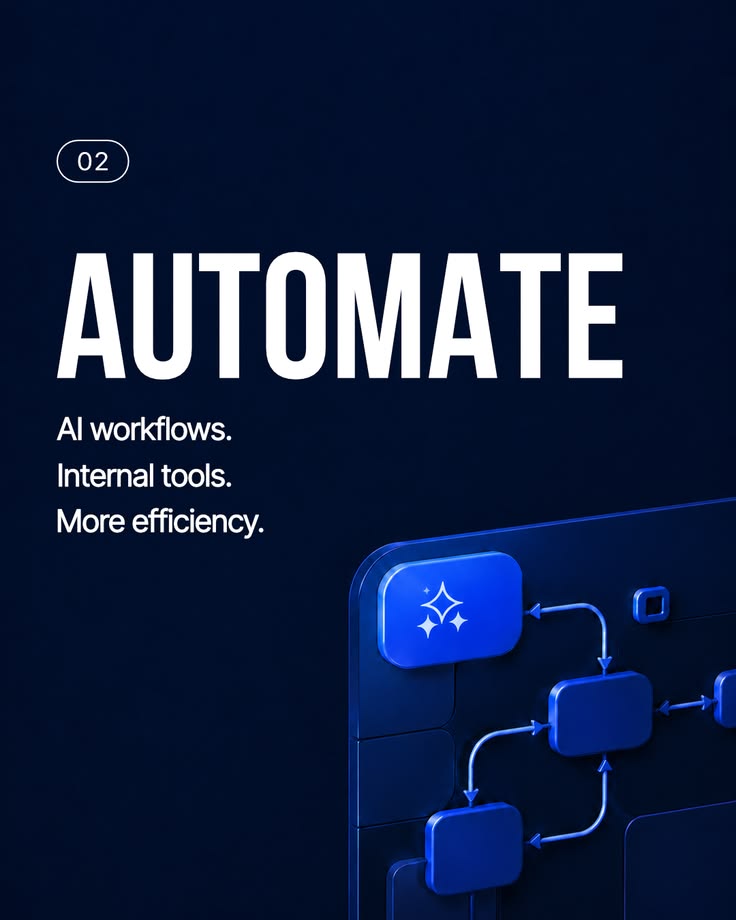
Workflow automation can provide several benefits when implemented correctly.
Time savings: Employees spend less time completing repetitive administrative work.
Fewer manual errors: Automated rules reduce mistakes caused by repeated data entry and missed steps.
Better customer experiences: Timely responses and consistent communication help customers receive the information they need.
Improved visibility: Teams can track tasks, identify delays, and understand where a process needs improvement.
Room for growth: Businesses can handle more routine work without increasing manual effort at the same rate.
Automation does not eliminate every mistake. Incorrect rules, poor data quality, and disconnected systems can still cause problems. Processes should be tested and monitored regularly.
Start by identifying the process that consumes the most time or causes the most frequent delays. Document each step, identify the applications involved, and decide what a successful result should look like.
Next, check whether your existing software supports automation. CRM platforms, email marketing tools, scheduling applications, and integration services can often work together to complete a process.
Tools such as GoHighLevel, Zapier, Make, and n8n can help businesses connect applications and automate different tasks. The right choice depends on your current systems, budget, technical needs, and the level of control your team requires.
Begin with one clearly defined workflow, test it with real scenarios, and measure the results before expanding to other processes.
Professional assistance can be useful when a workflow involves several applications, complex business rules, sensitive customer data, or processes that are difficult to maintain.
An automation specialist can review your existing operations, identify suitable opportunities, connect the necessary systems, and set up monitoring so issues can be addressed promptly.
At Calari Solutions, we help businesses connect their tools, reduce repetitive work, and improve the way their processes operate through workflow automation and system integrations.
Workflow automation helps businesses replace repetitive manual tasks with consistent, software-driven processes. The best results come from understanding your current operations first, choosing suitable tools, and measuring the impact after implementation.
Start with a process that causes frequent delays or takes too much staff time. A well-planned first workflow can provide a useful foundation for further automation.
Ready to improve your business processes? Contact Calari Solutions to discuss workflow automation, CRM improvements, and integrations that fit your business needs.